
macOS Menu Bar Apps & Desktop Utility Directory
appsIndependent directory for macOS menu bar utilities, desktop enhancers, and local AI tools. Verified pricing, system requirements, permissions, and honest alternatives.
-
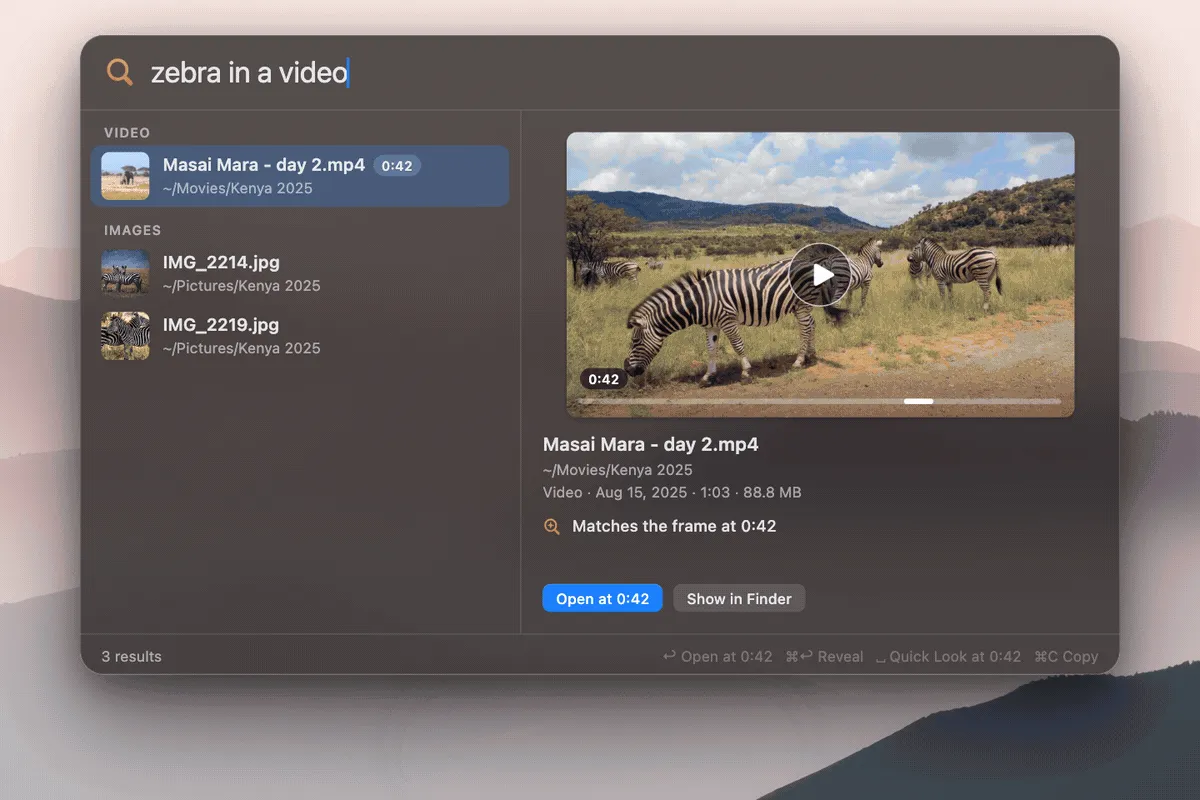
DigUp
Local AI file search
Free, open-source menu bar app that searches your Mac by what is inside your files (photos, PDFs, documents, recordings, videos and code) with an on-device EmbeddingGemma 2 model.
6600 -
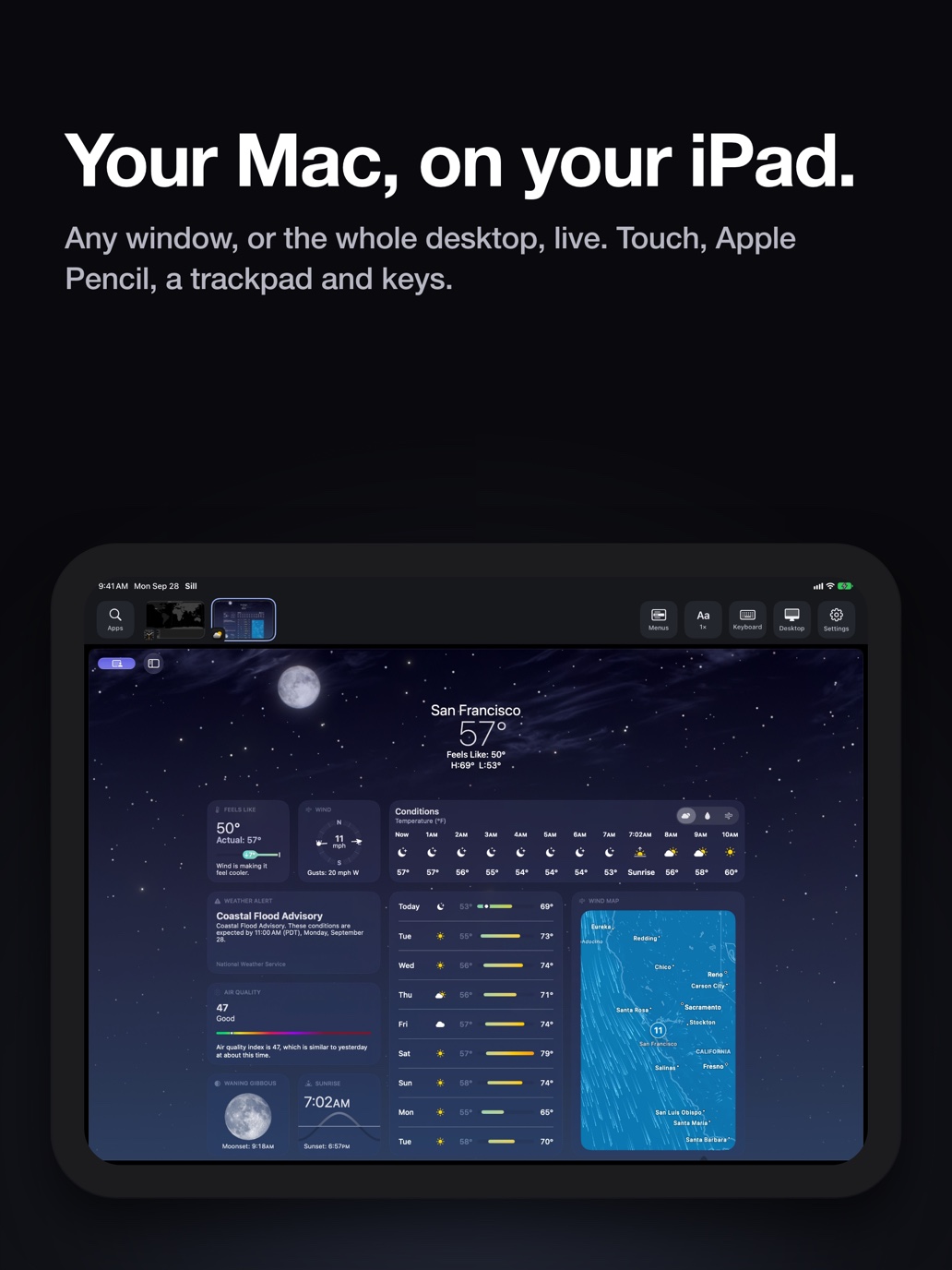
Free, open-source menu bar app that streams any single Mac window, or the whole desktop, to an iPhone or iPad you control with touch, Apple Pencil, trackpad and keyboard.
5200 -
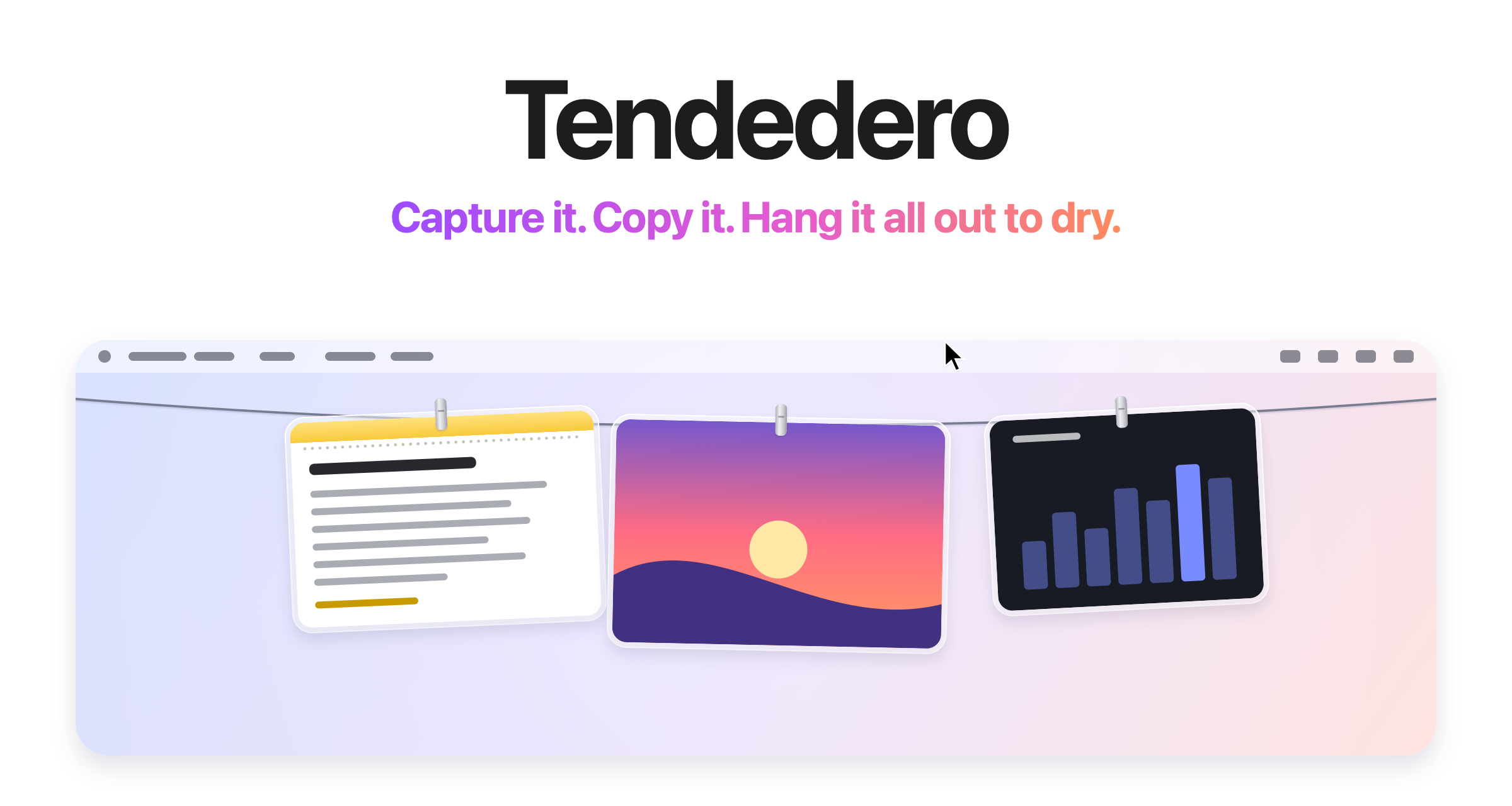
Tendedero
Screenshot & clipboard shelf
Free, open-source Mac app that hangs every screenshot, and anything you copy, on a hidden line under the menu bar, with offline text search across it.
3500
No apps match these filters.
How we review apps
When a new macOS menu bar utility surfaces on GitHub, Hacker News, or X, automated aggregators copy the README and stop there. They never tell you whether the tool actually survives a week on a real MacBook.
Every app page on MenuBars.app is built around four questions. Until we have used an app for a week, the answers come from the developer's own documentation and release notes, and the page says so; after hands-on testing they become first-hand notes:
- Why we installed it — the exact friction in macOS or an AI coding workflow that motivated trying the app.
- Biggest annoyance after a week — memory footprint, accessibility prompts, update nags, or missing keyboard shortcuts.
- Where it beats macOS built-in options — honest comparison against native macOS settings, Shortcuts, or Terminal commands.
- When you should pick something else — clear exit criteria and direct links to vetted alternatives.
We do not host installers, redistribute binaries, or copy marketing claims. Every pricing line, minimum macOS version, Apple silicon status, and permission note is checked against the developer's site or repository and shown with the date it was checked.
Before you install a Mac utility
- Check the real price and license. Free and open source, one-time purchase, or subscription.
- Check macOS version and permissions. Some tools need macOS 14+, Apple silicon, Screen Recording or Accessibility.
- Compare alternatives. Each listing compares the app with what macOS already has and with peer tools.