
One Mac window on the iPad
Screenshots: Sill's App Store images, published in the developer's GitHub repository.
Similar apps
View all apps-
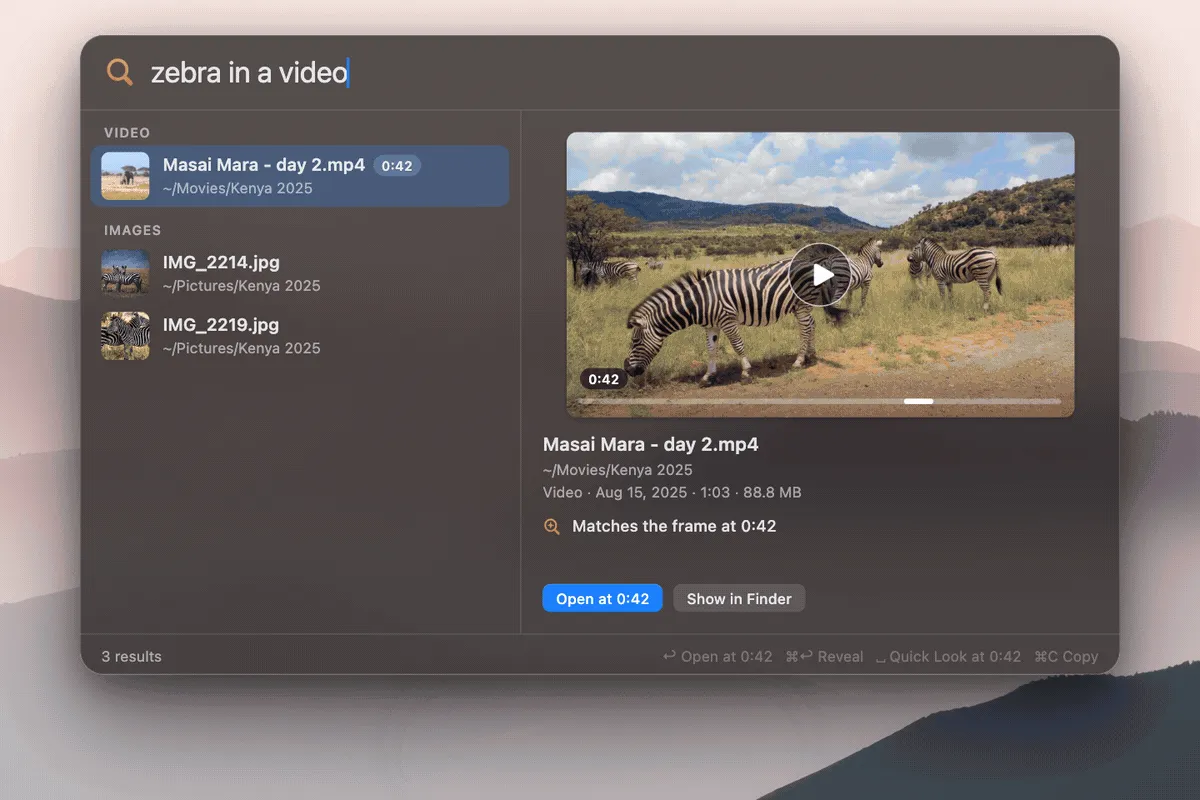
DigUp
Local AI file search
Free, open-source menu bar app that searches your Mac by what is inside your files (photos, PDFs, documents, recordings, videos and code) with an on-device EmbeddingGemma 2 model.
6600 -
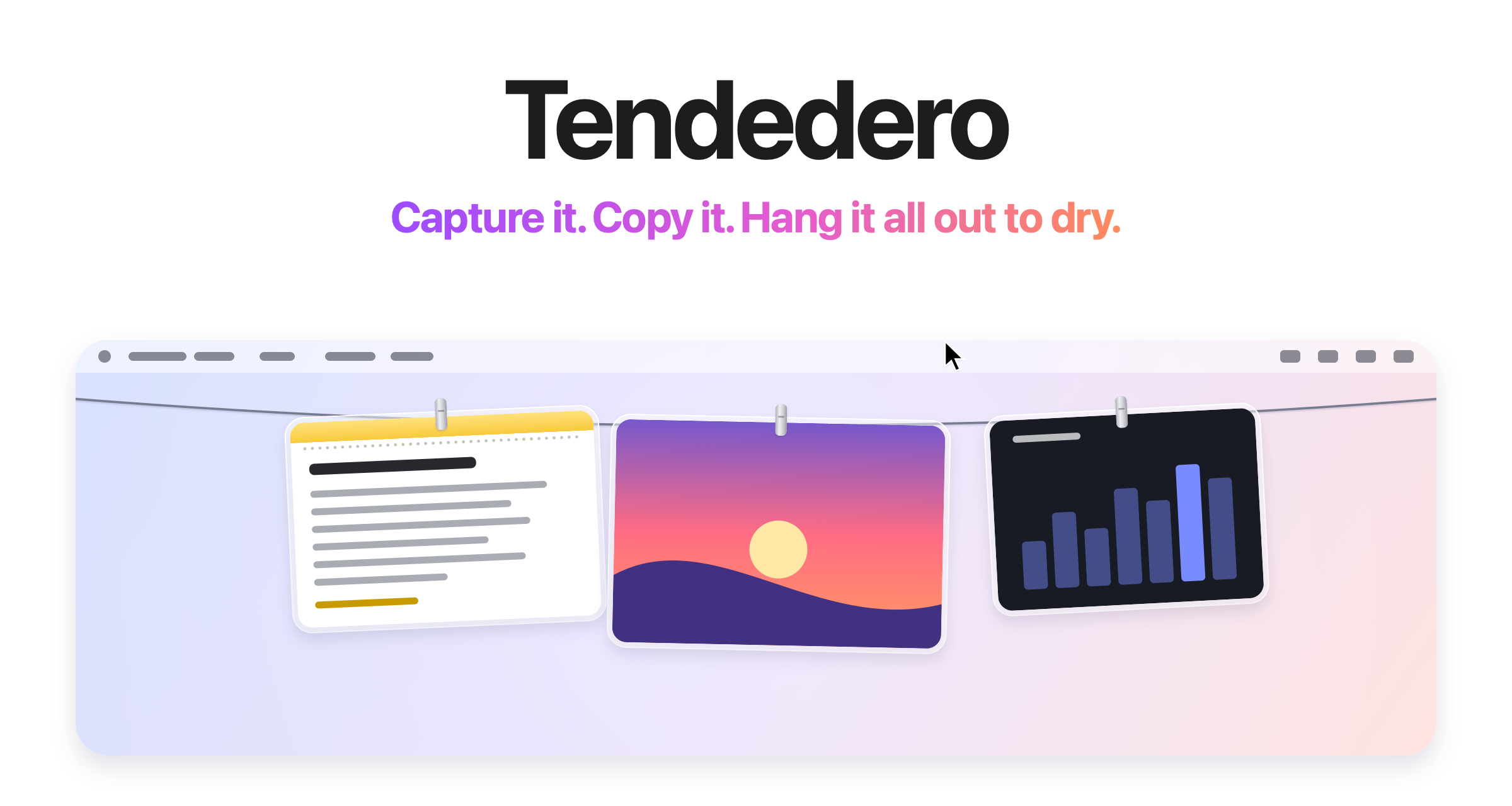
Tendedero
Screenshot & clipboard shelf
Free, open-source Mac app that hangs every screenshot, and anything you copy, on a hidden line under the menu bar, with offline text search across it.
3500

What it does
- Streams one Mac window or the whole desktop at a time; on Macs with several displays, the Desktop button steps through screens.
- An optional virtual display (on by default since 0.6.0) moves the streamed window onto a separate Mac display sized for your iPhone or iPad.
- Touch, an on-screen trackpad, Apple Pencil as the pointer, hardware keyboards, dictation and Chinese/Japanese/Korean input are forwarded to the Mac.
- Connects over the local network, a USB cable or peer-to-peer Wi-Fi; Remote Access (off by default) works through your own VPN, such as Tailscale.
- Encrypted with TLS 1.3 after a one-time pairing code or QR scan; video is HEVC via VideoToolbox, and app audio streaming is in beta.
- No account and no server in between; no ads, tracking or subscription.
Good fit
iPhone or iPad owners who want one Mac window, such as a terminal, a chat or a reference doc, in hand on the couch or beside the keyboard, with no account or subscription.
Not for
You need to wake a sleeping Mac remotely, stream several windows at once, or connect from outside your home network without setting up a VPN or port forwarding.
Editorial notes
Based on Sill's README and release notes (v0.6.2), checked 2026-11-28. Hands-on testing is still pending.
The problem it solves
Sidecar turns an iPad into a second display, but it only works with iPads and extends the whole desktop. Sill sends just the window you pick to an iPhone or an iPad, and maps touch and Pencil input back to the Mac.
Trade-offs to know first
The Mac has to stay awake with Sill running, because Sill may not be able to wake it. With the virtual display on, the streamed window leaves the Mac's own screen until you stop. Clipboard sharing is text only (up to 256 KB), and the Mac and iPhone/iPad apps need matching versions for some features.
Versus what macOS already has
macOS Sidecar is free and built in, but it is iPad-only and mirrors or extends the full desktop. Screen Sharing needs another Mac. Sill adds iPhone support, single-window streaming, and wired or VPN connections.
Pick something else if
If you need to reach a Mac from anywhere without running your own VPN, wake a sleeping Mac, or connect from Windows or Android, a full remote-desktop tool such as RustDesk fits better.
What Sill does
Sill is a free, open-source Mac app that puts any window from your Mac on an iPhone or iPad. The Mac side lives in the menu bar; the free iPhone and iPad app shows the window and sends your touches, Apple Pencil strokes, trackpad scrolls and key presses back to the Mac. You can stream a single window, such as a terminal or a chat, or the whole desktop, one at a time.
Since version 0.6.0 Sill can create a virtual display sized for your device and move the streamed window onto it, so the window fits the iPhone or iPad screen instead of being shrunk. That feature uses a private macOS API, which is why the Mac app is distributed from the developer's website rather than the Mac App Store. If a macOS update breaks it, Sill falls back to streaming the window in place.
How it connects
- Same network: devices find the Mac automatically over the local network.
- USB cable: a wired connection for lower latency.
- Direct Wireless Connection: peer-to-peer Wi-Fi, the way AirDrop works (off by default).
- Away from home: Remote Access (off by default) through your own VPN such as Tailscale, or a forwarded router port.
Each device is paired once with a 12-digit code or a QR scan, and the connection is encrypted with TLS 1.3. There is no account and no relay server in between. Video is encoded as HEVC with VideoToolbox, captured with ScreenCaptureKit, and sending the streamed app's audio is available as a beta.
Pricing and download
- Cost: free, under the Apache 2.0 license, with no ads, tracking or subscription. Optional tips through GitHub Sponsors unlock nothing.
- Mac app: a notarized download from the Sill website, or Homebrew:
brew install --cask saffsanity/sill/sill. - iPhone and iPad app: free on the App Store, with a public TestFlight beta.
Requirements and permissions
- Mac: Apple silicon or Intel, macOS 14 or later.
- iPhone / iPad: iOS 17 or iPadOS 17 or later.
- Mac permissions: Screen Recording (to show windows), Accessibility (to click, scroll, type and resize the window) and, on macOS 15 or later, Local Network.
Version notes
The latest release at the time of checking is Sill 0.6.2 (Mac and iPhone/iPad apps), released November 16, 2026; it added Picture in Picture and opt-in auto-update for the Mac app. Keep both apps on matching versions: pairing at home needs Sill for Mac 0.4.0 or later, and the developer advises updating anything on 0.3.1 or earlier, which sent unencrypted local traffic. Source code: Saffsanity/sill on GitHub.
Sill alternatives
| App | Price | Model | Platforms | Open source |
|---|---|---|---|---|
| Apple Sidecar | Free (built in) | Built into macOS | macOS + iPadOS only | No |
| Duet Display | See developer site | Subscription | macOS, Windows, iOS | No |
| RustDesk | Free (open source) | Open source, self-hostable | Cross-platform | Yes (AGPL-3.0) |
Something out of date? Tell us. Links go to official sources only; we never host installers.