
Captures and notes hang under the menu bar
Images: from the developer's GitHub repository.
Similar apps
View all apps-
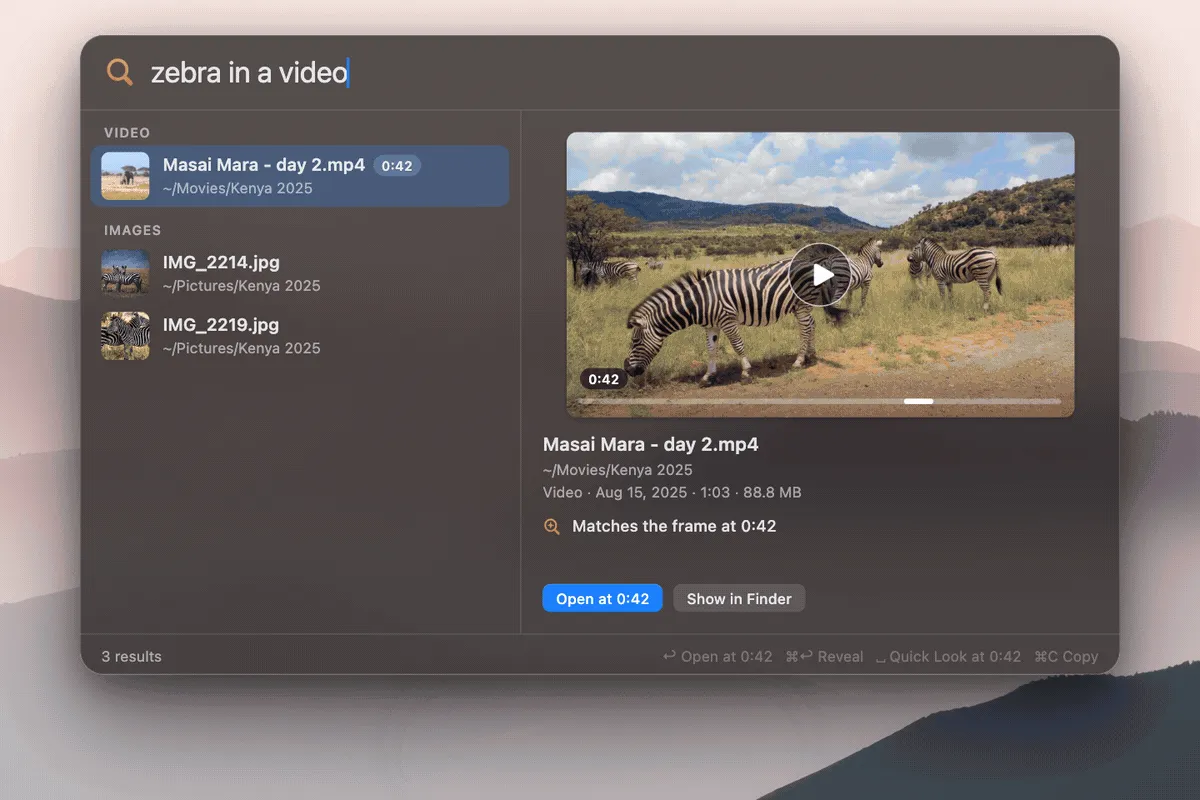
DigUp
Local AI file search
Free, open-source menu bar app that searches your Mac by what is inside your files (photos, PDFs, documents, recordings, videos and code) with an on-device EmbeddingGemma 2 model.
6600 -
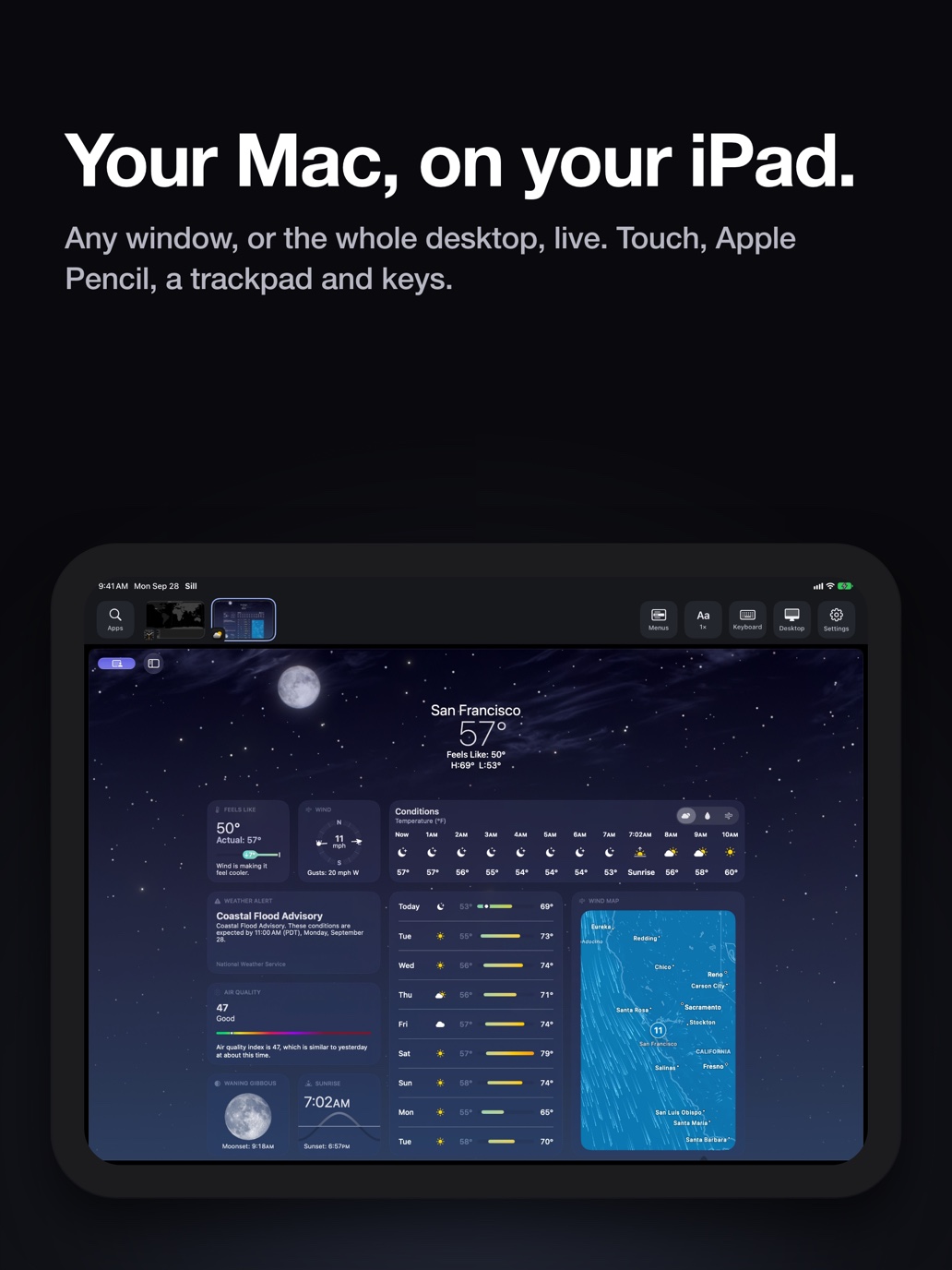
Free, open-source menu bar app that streams any single Mac window, or the whole desktop, to an iPhone or iPad you control with touch, Apple Pencil, trackpad and keyboard.
5200

What it does
- Screenshots and screen recordings hang on the line the moment you take them: no floating thumbnail and nothing saved to the Desktop.
- Optionally hangs what you copy: text as Markdown-rendered notes, links, and images. Each kind has its own switch, and all start off.
- ⌃⌥T shows or hides the line, and resting the pointer in the menu bar also brings it down. Every shortcut can be changed or removed.
- ⌃⌥F searches the text inside your screenshots, read on your Mac as each one hangs; Return copies the newest match.
- Click to copy, press and hold for Markup, double-click for Preview, Force click for Quick Look, drag into an app or a folder; hold a recording to trim it.
- No account, no network, no analytics. Signed and notarized by Apple, 5.1 MB, in 15 languages.
Good fit
Mac users whose Desktop fills up with throwaway screenshots, and who paste captures into chats, docs or tickets many times a day.
Not for
You need scrolling or timed capture, cloud share links, or a clipboard history that goes back weeks.
Editorial notes
Based on Tendedero's README and release notes (v2.1.1), checked 2026-11-28. Hands-on testing is still pending.
The problem it solves
By default macOS drops every screenshot on the Desktop, or shows a floating thumbnail that disappears in seconds. Tendedero keeps recent captures one gesture away at the top of the screen, so you can paste, mark up or drag them without digging through files.
Trade-offs to know first
On first launch it asks to take over screenshot saving: it turns off the floating thumbnail and saves captures to its own folder. Your previous settings return when you quit or switch the option off. The line hides over full-screen apps unless you turn on "Over full screen apps", and the README does not say how many items the line keeps.
Versus what macOS already has
The macOS Screenshot toolbar (⇧⌘5) can change the save location and show a thumbnail, but it keeps no history, cannot search text across past captures and has no clipboard shelf. Tendedero adds all three, offline.
Pick something else if
Choose CleanShot X for scrolling capture, richer annotation or cloud share links. Choose a dedicated clipboard manager such as Maccy if what you mainly want is a long, searchable clipboard history.
What Tendedero does
Tendedero (Spanish for "clothesline") is a small native Mac app by Alejandro Buján that hangs every screenshot on a line at the top of your screen instead of scattering files across the Desktop. The line stays tucked away until you rest the pointer in the menu bar or press ⌃⌥T; it then slides down showing your latest captures, ready to copy, mark up or drag into another app.
Screen recordings hang too, with a play button, and you can press and hold one to trim it. Since version 2.0 the line can also hold what you copy (text as Markdown-rendered notes, links with their site and path, and images), and Search the line (⌃⌥F) finds any word inside your screenshots. The text is read on your Mac as each capture hangs, so search works offline.
Gestures and shortcuts
- Click copies an item; press and hold opens it in Markup; double-click opens it in Preview (links open in the browser).
- Force click gives a Quick Look; drag into an app sends a copy, drag into a folder moves it off the line, and dragging to the Trash lets it go.
- Shift-click selects several items, ⌘Z puts one back, and the right-click menu adds Share, Pin, Hold and Copy Path.
- From Finder, Hang on Tendedero puts any image on the line.
Pricing and install
- Cost: free. The code is MIT-licensed; the Tendedero name and icon are not, so forks need their own.
- Install: download the DMG from the Tendedero website or its GitHub releases, or run
brew install tendedero. - The app is signed with a Developer ID and notarized by Apple.
Requirements and privacy
- macOS: 14 Sonoma or later, on Apple silicon and Intel; one 5.1 MB download for both.
- Screenshot settings: on first launch it offers to handle screenshots by turning off the floating thumbnail and saving to its own folder (the same options found in
⇧⌘5). Your previous settings are restored when it quits or the option is turned off. - Privacy: no account, no network access, no analytics. Nothing is kept from password fields, from items a password manager marks private, or from Universal Clipboard.
Version notes
The latest release at the time of checking is 2.1.1 (November 24, 2026), a fix for the app quitting after a desktop change. Version 2.1.0 added Greek and Russian, an option to copy each screenshot as it hangs, and Copy Path. Source code: alejandrobujan/tendedero on GitHub.
Tendedero alternatives
| App | Price | Model | Platforms | Open source |
|---|---|---|---|---|
| CleanShot X | See developer site | One-time purchase or Setapp | macOS | No |
| Dropover | See developer site | Freemium (Pro one-time) | macOS | No |
| Maccy | Free on GitHub; paid on the App Store | Clipboard manager | macOS | Yes (MIT) |
Something out of date? Tell us. Links go to official sources only; we never host installers.