
Developer demo: finding a moment in a video, a podcast minute, a lease clause, photos and code on macOS, Windows and Linux.
Video and stills: from the developer's README demo, converted for this page.
Similar apps
View all apps-
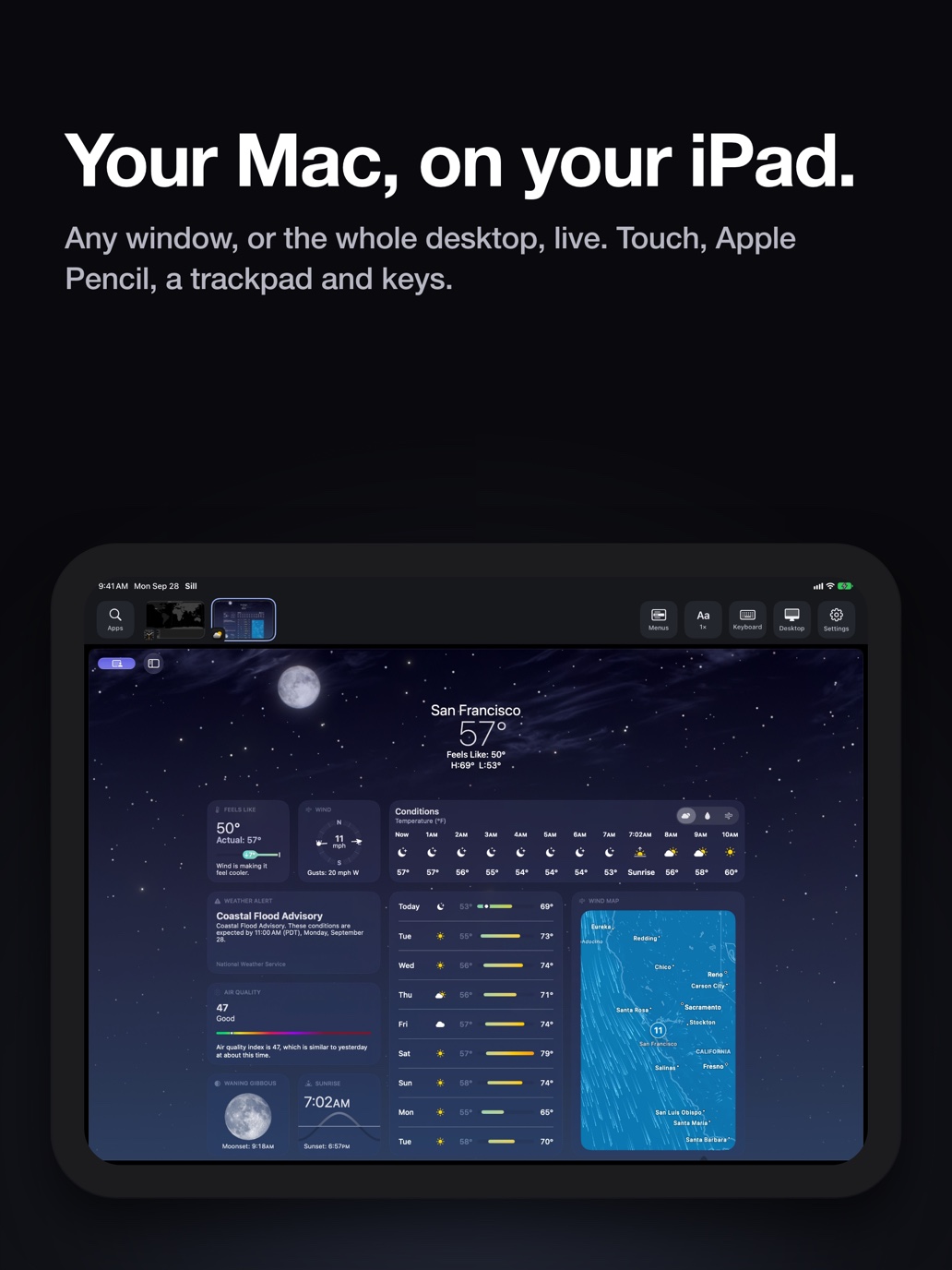
Free, open-source menu bar app that streams any single Mac window, or the whole desktop, to an iPhone or iPad you control with touch, Apple Pencil, trackpad and keyboard.
5200 -
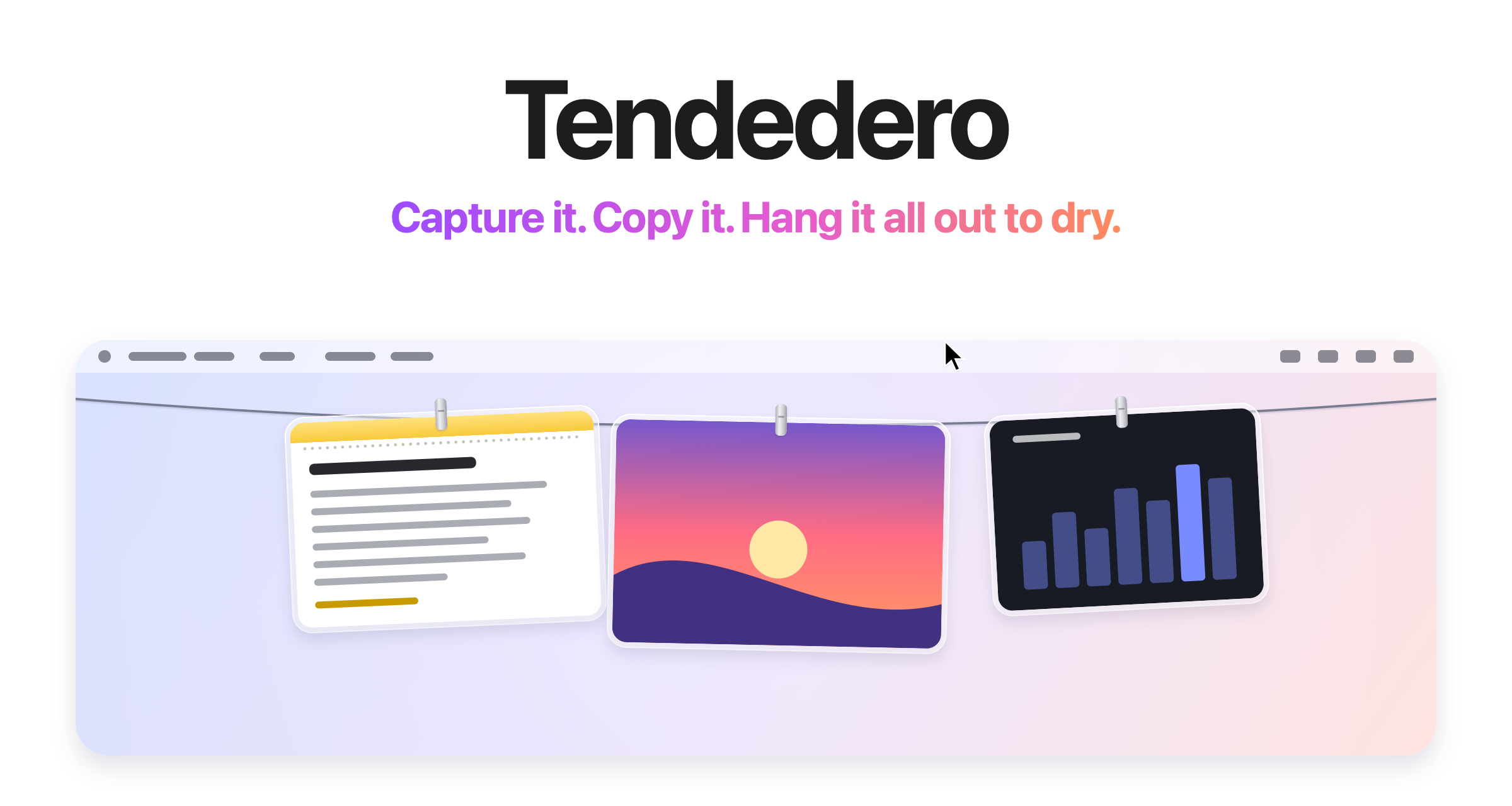
Tendedero
Screenshot & clipboard shelf
Free, open-source Mac app that hangs every screenshot, and anything you copy, on a hidden line under the menu bar, with offline text search across it.
3500
What it does
- Searches by meaning across pictures and screenshots, PDFs (scans included), documents, spreadsheets, slides, and audio and video of any length. Code search is opt-in per folder.
- Runs Google DeepMind's EmbeddingGemma 2 locally (an 8-bit build through llama.cpp on Metal). Text, images, audio and video share one index, and exact-word matches get a boost.
- ⇧⌘Space opens the search panel from any app, and ⌘O opens a larger window with a picture grid and filters. Results open at the PDF page, the moment in a recording or video, or the line of code.
- Reads text inside screenshots with Apple's Vision framework. Indexing can be paused or limited to set hours (1:00 to 7:00 by default).
- No account and no telemetry. The network is used only for the one-time 865 MB model download and a daily update check you can turn off.
- Install the DMG from GitHub Releases or run brew install --cask arahim3/tap/digup; updates arrive in the app.
Good fit
Apple silicon Mac users with large folders of photos, recordings, PDFs or screenshots who want to find things by describing them, without sending files to a cloud service.
Not for
You use an Intel Mac, keep most files cloud-only in iCloud or OneDrive, or cannot spare about 865 MB for the model plus room for the index.
Editorial notes
Based on DigUp's README and release notes (Mac v0.6.2), checked 2026-11-28. Hands-on testing is still pending.
The problem it solves
Spotlight matches file names and indexed text, but it cannot find "the photo of a dog on the beach" or the minute of a podcast where a topic comes up. DigUp embeds images, audio and video frames, so you can search by describing what is in them.
Trade-offs to know first
The first indexing pass takes a few minutes for a few hundred files and can take about an hour for a big Downloads folder, after an 865 MB model download. Cloud-only iCloud and OneDrive files are skipped, and the developer notes the model is not equally strong in every language.
Versus what macOS already has
Spotlight is instant, built in and keyword-based. DigUp adds meaning-based search across photos, recordings and video, and is designed to run side by side with Spotlight rather than replace it.
Pick something else if
On an Intel Mac, which DigUp does not support, or if you mainly want a launcher with app switching, calculations and workflow commands, Raycast or Alfred is the better fit.
What DigUp does
DigUp ("Describe it. Dig it up.") is a free, open-source search app that finds files by what is inside them rather than by name. Type "a dog on the beach", "where they talk about sleep" or "the clause about pets in the lease", and DigUp returns the matching photo, the minute in a podcast, or the page of a PDF.
On a Mac it lives in the menu bar. ⇧⌘Space opens a search panel from any app (you can change the shortcut), and ⌘O opens a larger window with a picture grid and filters. Results open where the match is: the PDF page, the moment in a recording or video, or the line in a code file.
What it can search
- Pictures and screenshots: JPEG, PNG, HEIC, WebP and more, matched by content; on a Mac, text inside screenshots is read too.
- PDFs: page by page, scans included, up to 5,000 pages per file.
- Documents, spreadsheets and slides: txt, md, rtf, docx, odt, html, xlsx, pptx and more.
- Audio and video: any length; audio in overlapping 30-second windows, video as frames plus its soundtrack.
- Code: off by default, enabled per folder; start a query with
code:.
DigUp deliberately skips keys, certificates, password files, hidden folders such as .ssh, app bundles, caches, and cloud-only iCloud or OneDrive files.
How it works
DigUp runs Google DeepMind's EmbeddingGemma 2, an 8-bit build through llama.cpp on Metal, entirely on your Mac. Text, images, audio and video land in one shared vector index in SQLite, and exact-word matches get a keyword boost. The model is a one-time 865 MB download; after that, the network is used only for a daily update check, which you can switch off. There is no account and no telemetry.
Pricing, install and requirements
- Cost: free, MIT license, with an optional tip link.
- Install: the DMG from GitHub Releases or
brew install --cask arahim3/tap/digup, with in-app updates. - Mac: Apple silicon with macOS 14 or later; Intel Macs are not supported.
- Other platforms: Windows 10/11 and Linux builds are in beta.
- Permissions: it reads only the folders you choose, and asks once to control QuickTime Player so it can open a video at the matching moment.
Version notes
The latest Mac release at the time of checking is 0.6.2 (October 21, 2026), which fixed battery drain; 0.6.1 added indexing during set hours (1:00 to 7:00 by default). The first indexing pass takes a few minutes for a few hundred files and can take about an hour for a large Downloads folder.
DigUp alternatives
| App | Price | Model | Platforms | Open source |
|---|---|---|---|---|
| macOS Spotlight | Free (built in) | Built into macOS | macOS | No |
| Raycast | Free + paid Pro | Freemium / subscription | macOS | No |
| Alfred | Free + paid Powerpack | Freemium / one-time | macOS | No |
Something out of date? Tell us. Links go to official sources only; we never host installers.